Activate Your NVFC Membership
New to the NVFC? Create your member account and check out your benefits!
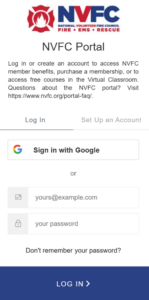

Go to: https://members.nvfc.org/
Click Set Up an Account and follow the prompts.
You can also select Sign in with Google to use your Google credentials. Please note: if you use Google to sign in, you will not be able to use the “Don’t remember your password?” option, since the system does not have access to your Google password.

In your NVFC account, click Account and select Manage My Profile to create or update your profile.
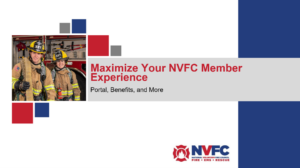 In your NVFC account, click Membership and select Membership Benefits to view all of your membership benefits.
You can also watch the webinar below for an overview of the membership benefits and how to access them.
Webinar: Learn How to Maximize Your NVFC Member Experience

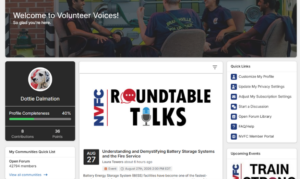 Click on the Volunteer Voices link in your NVFC account to access the members-only community. Check out the Quick Start Guide to get started!

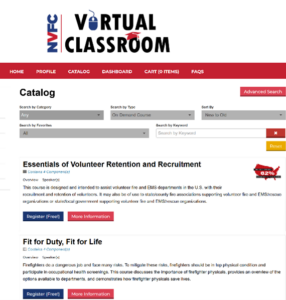
Click NVFC Virtual Classroom and select Browse Training Offerings to view/register for courses and/or webinars.
You can register for on-demand courses, in-person courses, live and recorded webinars, and roundtable discussions.

Find the NVFC First Responder Helpline phone number and app information under the Protection section of your NVFC membership benefits.
Questions?
Have questions about your membership? Let us know! Email membership@nvfc.org.